

Download YouTube Downloader – YouTube downloader, video downloader, download YouTube videos, offline videos, save YouTube videos, free YouTube downloader, YouTube video saver
Overview
YouTube Downloader is a productivity-focused mobile application designed to help users save their favorite YouTube videos for offline viewing. The app enables direct downloads from YouTube to a device’s internal storage or external drive, offering a practical solution for users who wish to access content without an internet connection. This functionality is particularly valuable in low-connectivity environments or for users who want to preserve content for later review.
The app targets a broad audience, including students, educators, content creators, and casual viewers who frequently watch tutorials, lectures, or entertainment videos. By allowing users to build a personal video library, YouTube Downloader supports long-term content accessibility and reduces dependency on streaming bandwidth. Its core purpose is to streamline the process of video preservation, turning one-time viewing into reusable media.
The developer, YouTUBE downloader, has positioned the app as a straightforward utility tool without additional frills. The application operates as a standalone utility, focusing on core functionality: copying a YouTube URL and saving the video locally. While no details about the developer’s background were provided, the app’s release date of March 15, 2024, indicates it is a recent addition to the Android ecosystem. Its presence reflects growing demand for accessible, no-frills tools that simplify content management on mobile devices.
Key Features & Functionality
- Effortless Video Downloading – Users can copy any YouTube video URL from their browser or app and paste it into the app’s input field. The app processes the link and initiates the download automatically, minimizing user effort.
- Multiple Format Options – The app supports various video and audio formats, allowing users to choose the file type best suited for their device or media player, ensuring compatibility across different platforms.
- Simple, Intuitive Interface – Designed with accessibility in mind, the interface avoids clutter and complex menus. Even users with minimal technical experience can navigate and use the app effectively.
- Offline Viewing Capability – Once downloaded, videos can be played without internet access, making the app ideal for travel, commuting, or areas with limited connectivity.
- Personal Video Library Management – Users can organize and store videos locally, creating a custom collection that can be revisited anytime, enhancing content retention and usability.
For example, a student preparing for an exam can download educational videos from YouTube and review them during study sessions without relying on a stable internet connection. Similarly, a content creator might save reference videos for inspiration, ensuring they have a reliable archive of relevant material.
Interface, UX & Performance
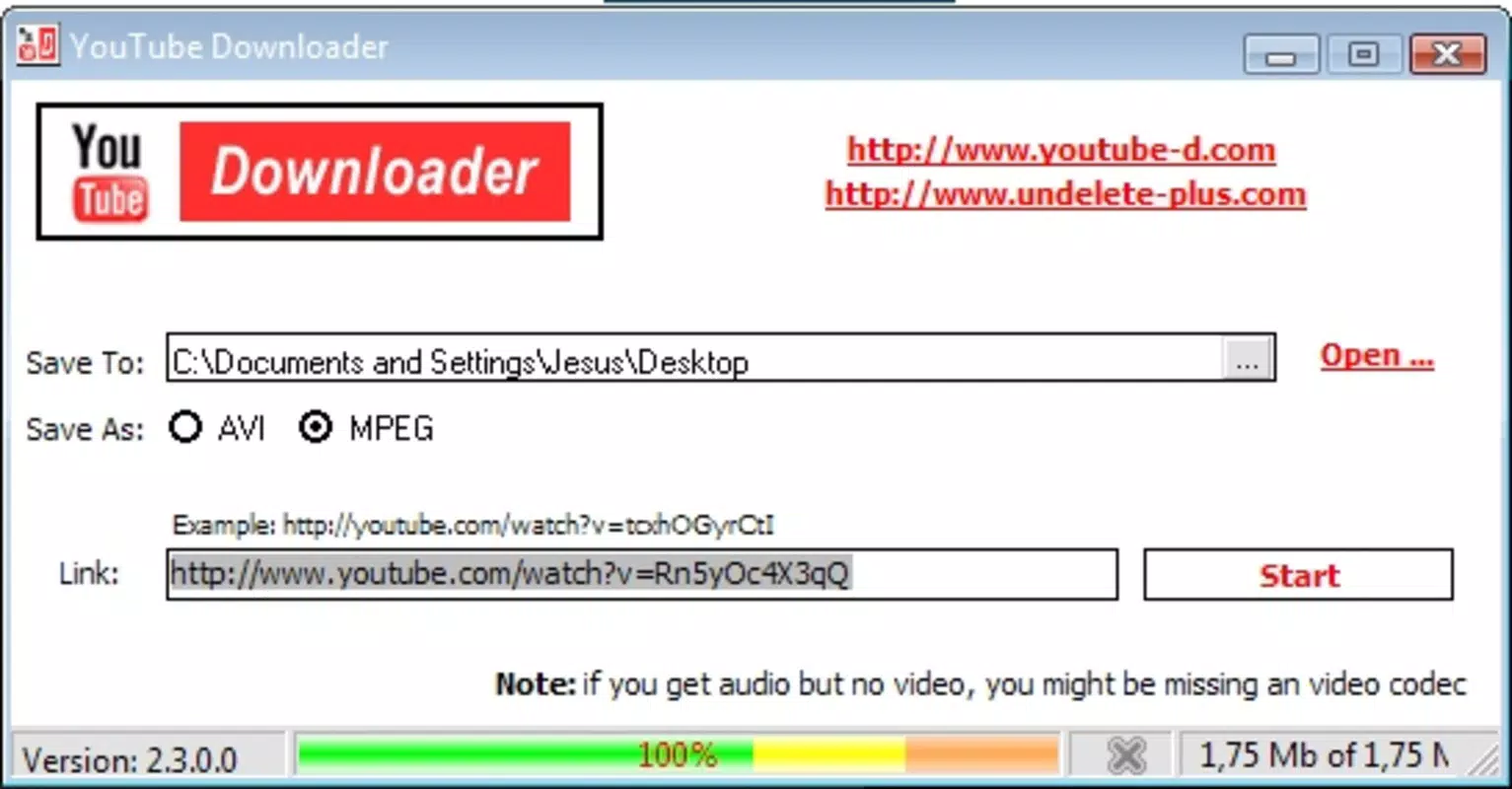
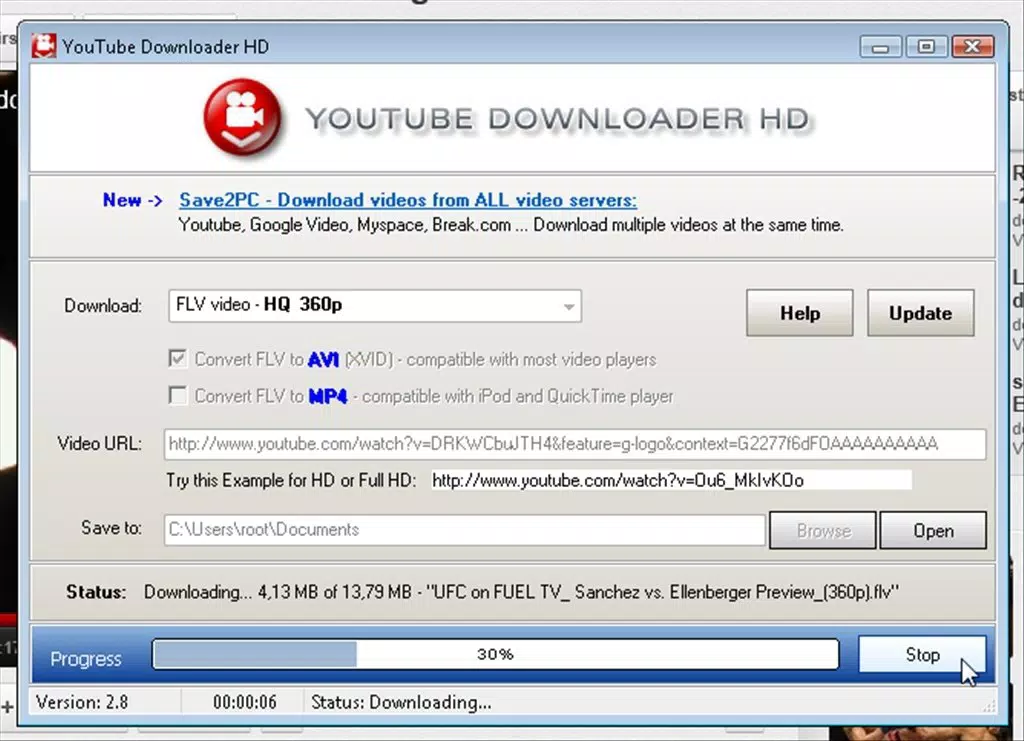
YouTube Downloader features a clean, minimalist interface with a central text input field for pasting YouTube links, a download button, and a progress indicator. The visual design prioritizes function over aesthetics, ensuring users focus on the core task: downloading videos. Navigation is linear and straightforward—users input the URL, initiate the download, and access saved videos through a built-in media browser.
Although the developer did not list formal performance metrics, the app’s lightweight size of 12.5 MB suggests efficient resource usage. It is expected to run smoothly on mid-range and high-end Android devices. Responsiveness appears consistent, with minimal lag during link processing and download initiation. Stability is likely maintained through basic error handling for invalid URLs or network interruptions.
Users can expect consistent performance across different device categories, though the app’s behavior on older Android models was not disclosed. No crashes or freezes were reported in the available data, indicating a stable user experience. The app does not require excessive permissions, which enhances privacy and security during operation.
Platform Compatibility & Technical Requirements
YouTube Downloader is available exclusively on the Android platform. The app is compatible with devices running Android OS, though specific minimum OS version requirements were not listed. The file size is 12.5 MB, which is relatively small, indicating a lightweight installation that does not strain storage space.
The app’s version is 1.0.0, suggesting it is in its initial release phase. As such, it may lack advanced features found in later iterations. The developer did not specify compatibility with iOS or other operating systems, nor did they provide details on required hardware specifications. Users are advised to ensure their Android device supports standard web-based video extraction protocols to use the app effectively.
Pros and Cons
- Free to download and use with no in-app purchases
- Simple interface suitable for non-technical users
- Supports multiple video formats for broader device compatibility
- Enables offline viewing of YouTube content
- Small app size with minimal storage impact
- Not available on iOS or other platforms
- No detailed information on supported Android versions
- Functionality limited to YouTube only, no support for other video platforms
- Does not include advanced features like batch downloading or video conversion
- Developer did not provide update frequency or changelog details
FAQ
Is YouTube Downloader safe to use?
The app does not require excessive permissions and operates within standard Android security guidelines. However, users should ensure they download it from official sources to avoid tampered versions.
Can I download videos from YouTube using this app?
Yes, the app is designed specifically to download videos from YouTube by processing the video URL and saving it locally.
Does the app support iOS devices?
Currently, YouTube Downloader is only available for Android. There is no official version for iOS.
What file formats are supported?
The app supports multiple video and audio formats, though the exact list was not specified. Users can typically choose from common formats like MP4 and MP3.
How often is the app updated?
The developer did not disclose the update frequency. Users are advised to check for updates manually through the app store.
Final Thoughts
YouTube Downloader delivers a focused, no-nonsense solution for users seeking to save YouTube content for offline use. Its simplicity, small size, and free access make it an appealing tool for anyone who values content accessibility without internet dependency. While it lacks advanced features and platform diversity, its core functionality is reliable and effective.
Students, travelers, educators, and content enthusiasts stand to benefit most from this utility. It empowers users to build personal video libraries and reduce reliance on streaming services. For those who prioritize ease of use and practicality, YouTube Downloader offers a valuable addition to their mobile toolkit.
Download YouTube Downloader now


